Deleting Payments
As long as you have not yet booked the payments, you can remove any or all payments from the deal.
To delete a payment
- On , under , click or .
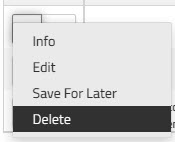
- From the dropdown list beside the payment you want to delete, click .
A confirmation dialog appears asking you to confirm that you want to delete the payment.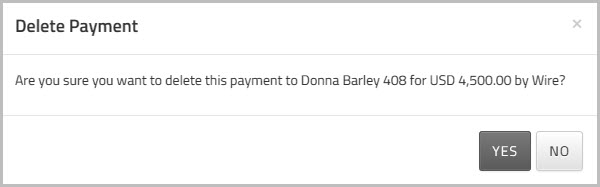
- Click to confirm the deletion.